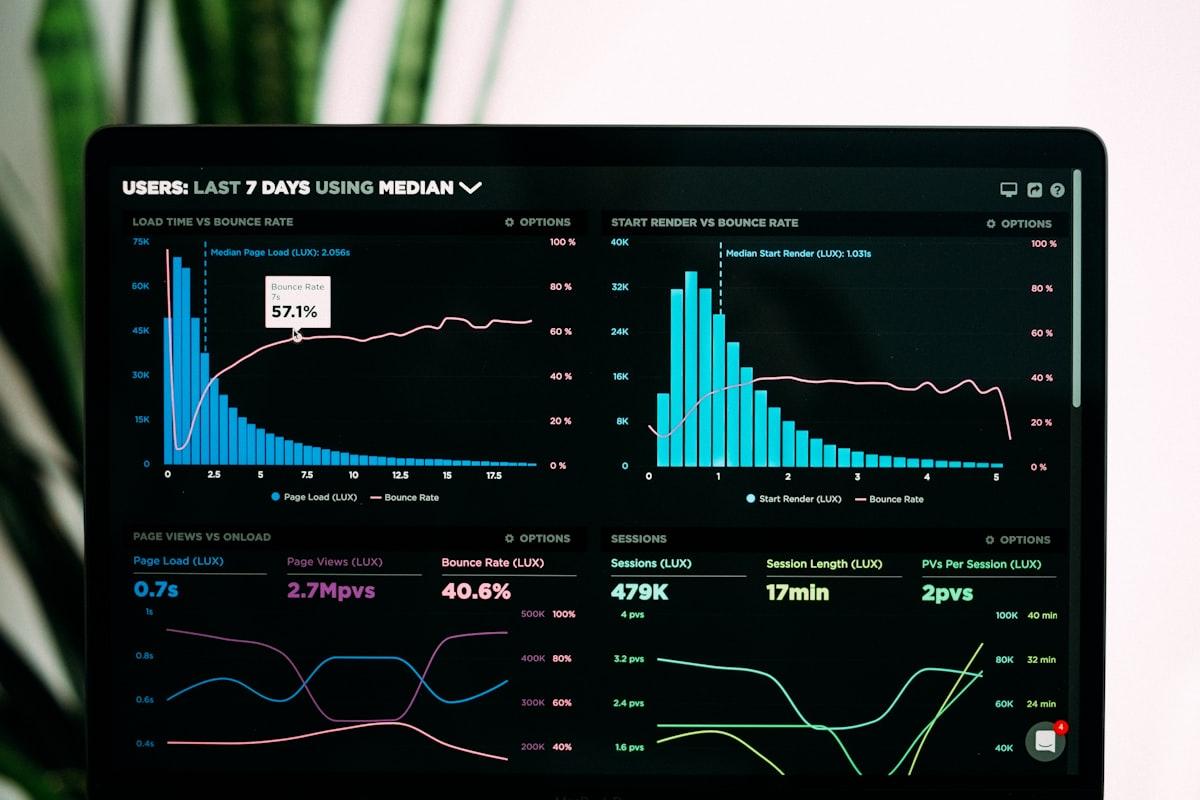
The Purpose of Automation Dashboards
Dashboards translate automation data into actionable insight. Raw data—workflow executions, cycle times, error rates—becomes meaningful when visualized appropriately. Effective dashboards enable decisions: what's working, what needs attention, where to invest.
Dashboard Design Principles
Good dashboard design starts with understanding audience and purpose. Executives need summary metrics showing automation value. Operations teams need real-time status and alerting. Process owners need trends and drill-down capability. One dashboard rarely serves all needs.
Organizations with effective dashboards achieve 35% greater efficiency improvements from their automation investments by enabling data-driven optimization.
Essential Dashboard Components
KPI Summaries: Key metrics at a glance—total workflows, success rates, average cycle time, cost savings. Visual indicators (color coding, trend arrows) enable instant understanding of status.
Trend Charts: Performance over time reveals patterns that point-in-time metrics hide. Trends in volume, cycle time, and errors inform capacity planning and optimization priorities.
Exception Lists: Failed workflows and items requiring attention. Lists should include context for quick diagnosis—enough information to understand and address without drilling into detail.
Visual Design Best Practices
Effective dashboards follow visual design principles. Use appropriate chart types—line charts for trends, bar charts for comparisons, gauges for status against targets. Limit colors to those that convey meaning. White space improves readability.
Information density matters. Too little data wastes dashboard potential. Too much overwhelms. Balance comprehensiveness with clarity. Provide detail on demand through drill-down rather than cluttering primary views.
Real-Time vs Periodic Updates
Different metrics suit different update frequencies. Operations monitoring needs real-time updates—workflow failures require immediate attention. Trend analysis works with daily or weekly data. Choose update frequencies based on decision timing requirements.
Alerting and Notifications
Dashboards can passive monitoring tools or active alerting systems. Define thresholds that trigger notifications—workflow failures, SLA breaches, unusual patterns. Route alerts to appropriate recipients based on type and severity. Too many alerts cause fatigue; too few miss important issues.
Escalation paths ensure alerts receive attention even when primary recipients are unavailable. Establish on-call procedures for critical automation issues.
Building Your Dashboard Strategy
Start with clear objectives: what decisions should this dashboard inform? Design to serve those decisions. Iterate based on user feedback. A dashboard that nobody uses provides no value regardless of its technical quality.
Align dashboard development with automation priorities. Build dashboards for critical workflows first. Expand coverage as automation portfolio grows and matures.